The 2026 Zen Browser Review

Key Features
Zen Browser is a free, open-source web browser launched in July 2024. Built on Mozilla Firefox, Zen aims to provide a privacy-focused and customisable alternative to Chromium-based browsers, drawing inspiration from the now-defunct Arc browser. It is available for Windows, macOS, and Linux (with Linux versions offered as Flatpak and AppImage).
Privacy and Customisation
- Open Source: Licensed under the Mozilla Public License 2.0, Zen Browser’s code is available for inspection on GitHub.
- Privacy-Focused: The browser is free from Google code and places a strong emphasis on user privacy.
- Zen Mods: Users can personalise the interface with themes and colour gradients, thanks to a collection of user-generated themes.
Tab Management
- Vertical Tab Sidebar: This sidebar displays tabs in a vertical layout and allows you to position them on either side of the window. This design choice maximises screen space and improves tab management.
- Workspaces: Group your tabs into workspaces to better organise your topics or projects.
- Split View: View tabs within the same workspace together in a tiled interface.
Security and Protection
- Based on Firefox: Zen inherits all security patches and updates from Firefox, ensuring protection against known vulnerabilities.
- OCSP Checks: Validates website certificates, blocking sites with expired or revoked SSL.
- HTTPS-Only Mode: This mode ensures encrypted connections and allows you to enable them for all windows or just private windows.
- Phishing and Malware Protection: Real-time filters block unsafe sites.
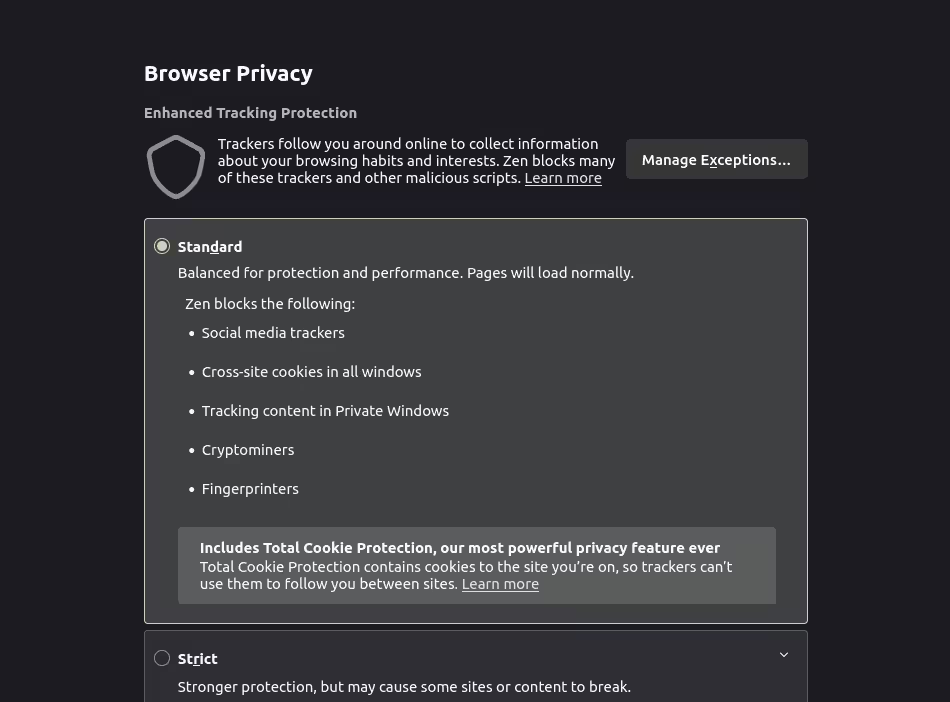
- Tracking Protection: Automatically blocks advertisers and websites from tracking your activity, with three customisable levels: Standard, Strict, or Custom.
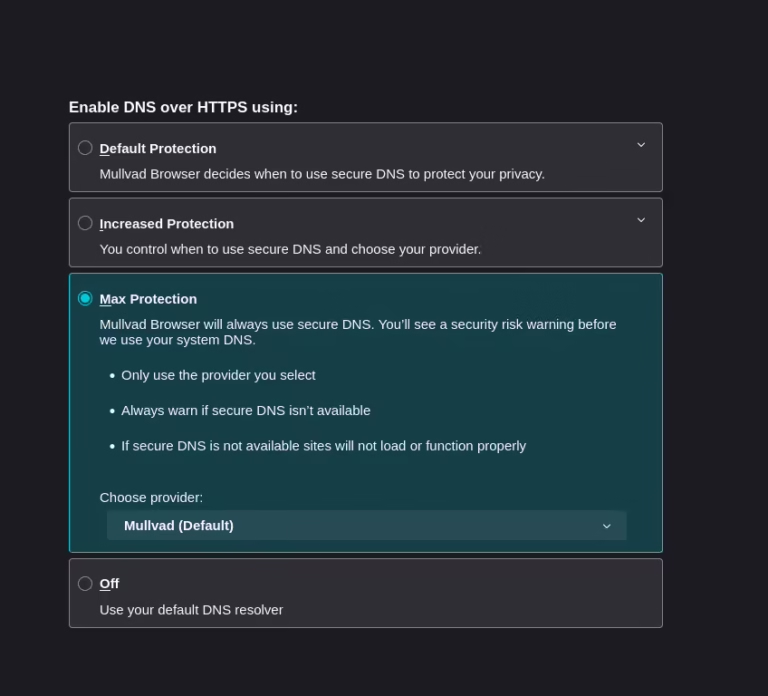
- DNS over HTTPS: Encrypts DNS requests, with three protection levels: Default, Increased, or Max.

Compatibility and Availability
Compatible with Microsoft Windows, macOS, and Linux, Zen Browser is free and open-source. It is available for download in various formats, including Flatpak and AppImage for Linux.
- Firefox Extensions: Zen supports Firefox browser extensions, allowing users to enhance functionality.
User Experience
While Zen Browser features a stylish interface and innovative tools, it currently receives mixed reviews. Consequently, some users report bugs and usability issues because developers still consider the software a work in progress. The development team is actively working to improve stability and performance.
Limitations
- No Horizontal Tabs: Zen lacks horizontal tabs because it focuses entirely on a vertical tab layout.
- No Mobile Versions: There are no plans for Android or iOS releases, as the vertical tab design does not translate well to mobile devices.
- No DRM Support: Lacking a Widevine licence, Zen cannot play DRM-protected media, affecting streaming on Windows and macOS.
Pros and Cons
Pros
- Open-source and privacy-focused
- Stylish, modern interface with customisable themes
- Vertical tab sidebar and workspaces for efficient tab management
- Built on the latest version of Firefox, ensuring robust security
- Supports Firefox extensions
- Available for Windows, macOS, and Linux
Cons
- No horizontal tab support
- No mobile (Android/iOS) versions planned
- No DRM support (cannot play protected streaming media)
- Mixed reviews due to bugs and usability issues; still under active development
Summary
Zen Browser stands out for its innovative vertical tab management, privacy-first approach, and customisation options. Moreover, it is an excellent choice for desktop users seeking a fresh alternative to mainstream browsers, though it remains a work in progress with some limitations.

Download the Zen Browser




Google Chrome vs DuckDuckGo
In the Google Chrome vs DuckDuckGo comparison, these two browsers represent very different approaches to safeguarding data.

Trending Articles

The Top 5 Privacy Browsers in 2026

2026 Tor Browser Review
2026 Zen Browser Review
2026 DuckDuckGo Browser Review
2026 Mullvad Browser Review