2026 LibreWolf Browser Overview

LibreWolf is a free and open-source web browser based on Firefox, launched in March 2020 (Linux), February 2021 (Windows), and April 2021 (macOS). Designed for privacy-conscious users, LibreWolf removes telemetry, data collection, and tracking features found in mainstream browsers, while retaining the familiar Firefox experience.
Key Features
Privacy and Security
- No Telemetry or Data Collection: LibreWolf does not collect or transmit user data. The infrastructure for data collection is intentionally absent.
- Cookie and History Management: Automatically deletes cookies, website data, and browsing history upon closing.
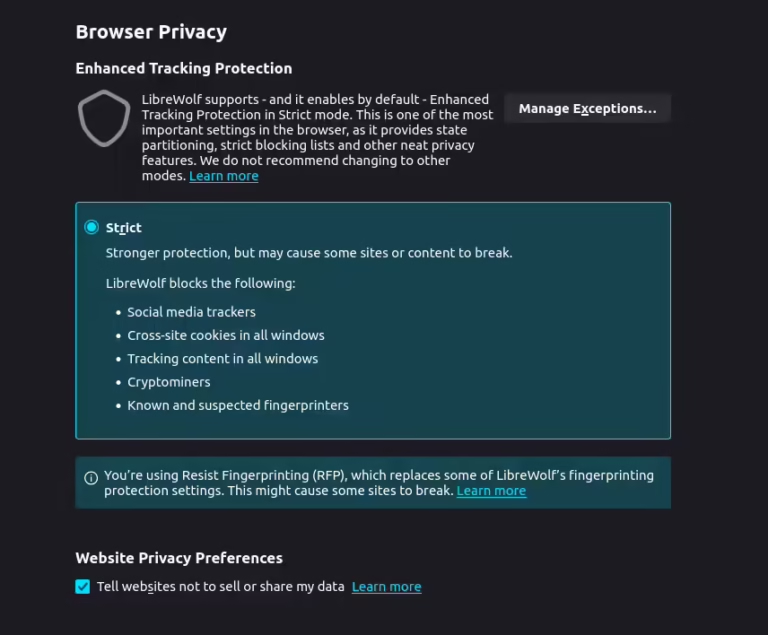
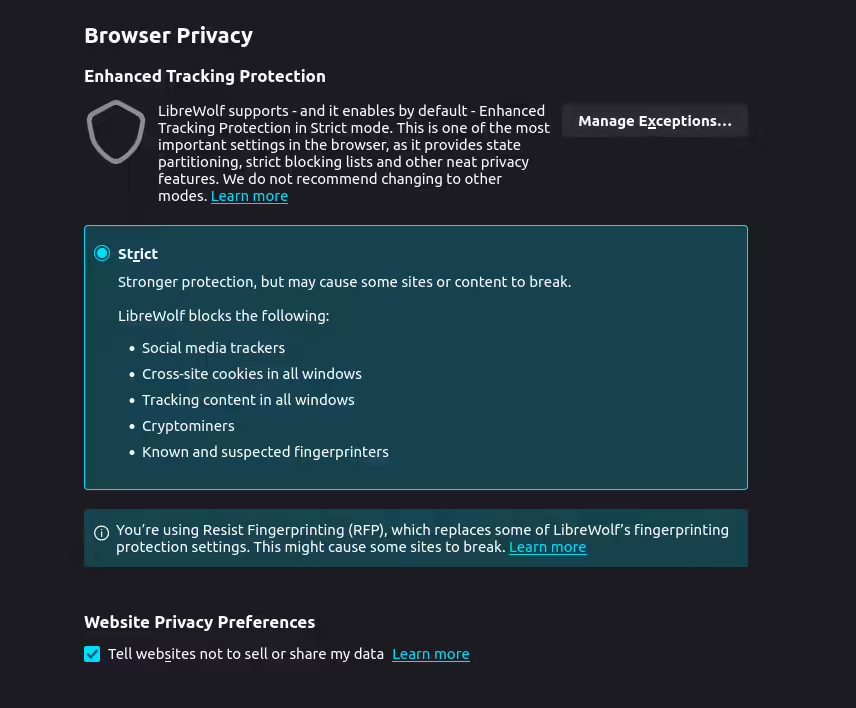
- Tracking Protection: Includes uBlock Origin with custom filter lists and strict tracking protection. Strips tracking elements from URLs natively and via uBO.
- Fingerprinting Protection: Enables dFPI (Total Cookie Protection), RFP (Tor Uplift anti-fingerprinting), disables WebGL, and always displays user language as en-US.
- Strict HTTPS & TLS/SSL: Enforces HTTPS-only mode and stricter TLS/SSL negotiation rules.
- Certificate Revocation: Uses CRL for privacy-oriented certificate revocation, falling back to OCSP (stapled) only when necessary.
- Additional Security: Stays up to date with Firefox security patches, disables scripting in the PDF reader, protects against IDN homograph attacks, and offers an optional extension firewall.
User Experience
- Custom Privacy UI: LibreWolf-specific interface exposes important privacy and security settings for easy control.
- No Sponsored Content: Removes ads, sponsored shortcuts, and all distracting content from the homepage.
- Privacy-Respecting Search Engines: Defaults to DuckDuckGo, Searx, and others.
- Annoyance Reduction: Prevents window resizing by scripts, disables autoplay, search suggestions, extension recommendations, and Firefox Sync (unless explicitly enabled).
Compatibility and Availability
- Operating Systems: Available for Linux (since March 2020), Windows (since February 2021), and macOS (since April 2021).
- Supported Versions: Windows 10 and later, macOS 10.15 and later, and various Linux distributions.
- Installation Methods: Download direct installer from the official website or use package managers like Chocolatey and winget for easy installation and updates.

Other Notable Features
- Open Source & Community Driven: Fully open source, with a Docker-based build process for easy compilation.
- No Google Safe Browsing: Disabled to avoid censorship and dependency on Google.
- No DRM: DRM is disabled to preserve user freedom.
- No Form Autofill or History: Disables form autofill, search and form history, link prefetching, speculative connections, and disk cache (cleared on close).
- No Mozilla VPN or Pocket: Both removed to prevent unwanted ads and distractions.
Pros and Cons
Pros
- Completely open source and community-driven
- No telemetry, data collection, or sponsored content
- Strong privacy and anti-fingerprinting features
- Built-in uBlock Origin and strict tracking protection
- Regular security updates from upstream Firefox
- Custom privacy UI for easy settings management
- Compatible with Windows, macOS, and Linux
- Easy installation via package managers
Cons
- No DRM support (cannot stream protected media on Windows and Mac)
- No Google Safe Browsing (may affect some security features)
- No mobile versions (Android/iOS)
- Some Firefox features (Pocket, Sync, extension recommendations) are disabled or removed by default
- May require manual configuration for some advanced privacy features
Summary
LibreWolf is an ideal browser for users who value privacy, security, and a classic Firefox experience without the distractions or tracking found in mainstream browsers. It offers robust protection out of the box and is fully open source, making it a top choice for privacy enthusiasts.

Download the LibreWolf Browser





5 Best Private Chat & Message Apps for 2026
Discover the top secure messaging apps for 2026, including Threema, Session, SimpleX, Cyph, and Signal, to protect your privacy.

Trending Articles

The Top 5 Privacy Browsers in 2026

2026 Tor Browser Review
2026 Zen Browser Review

2026 DuckDuckGo Browser Review
2026 Mullvad Browser Review